Bring structure to charters, contracts, and operational documents so governance is clear, repeatable, and ready to scale.
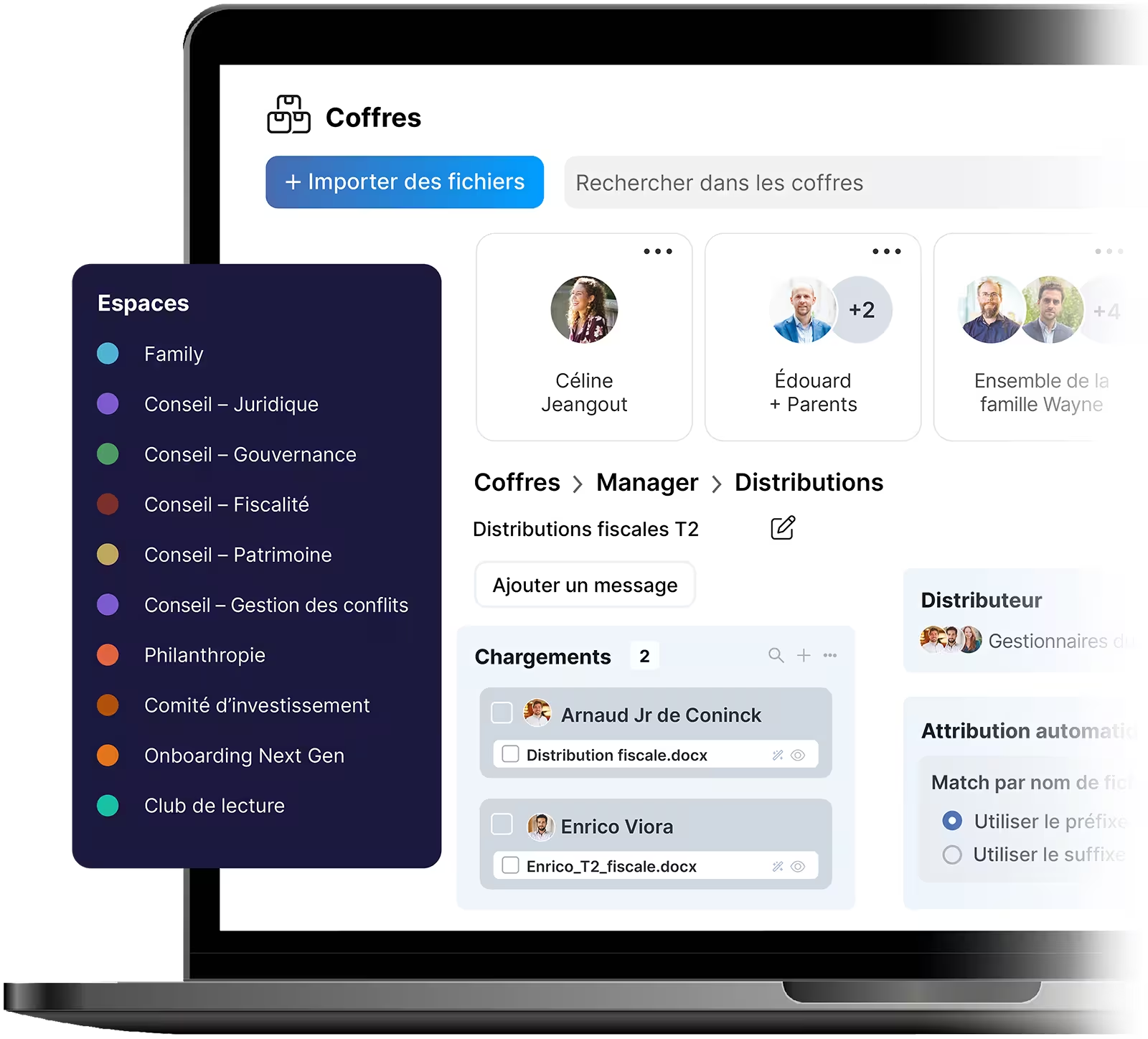
Collaborate with advisors, lawyers, and tax consultants in dedicated, permissioned spaces so projects move forward without exposing sensitive information.
Turn decisions into tasks, meetings into alignment, and daily work into a shared rhythm everyone can see.
Protect your business with enterprise-grade security, data ownership, and granular access control.

As a family business grows, information, documents, and decisions tend to spread across people and tools. familyOS helps you put order in place early by centralizing documents, structuring groups, and clarifying access so the business runs more smoothly as responsibilities evolve.
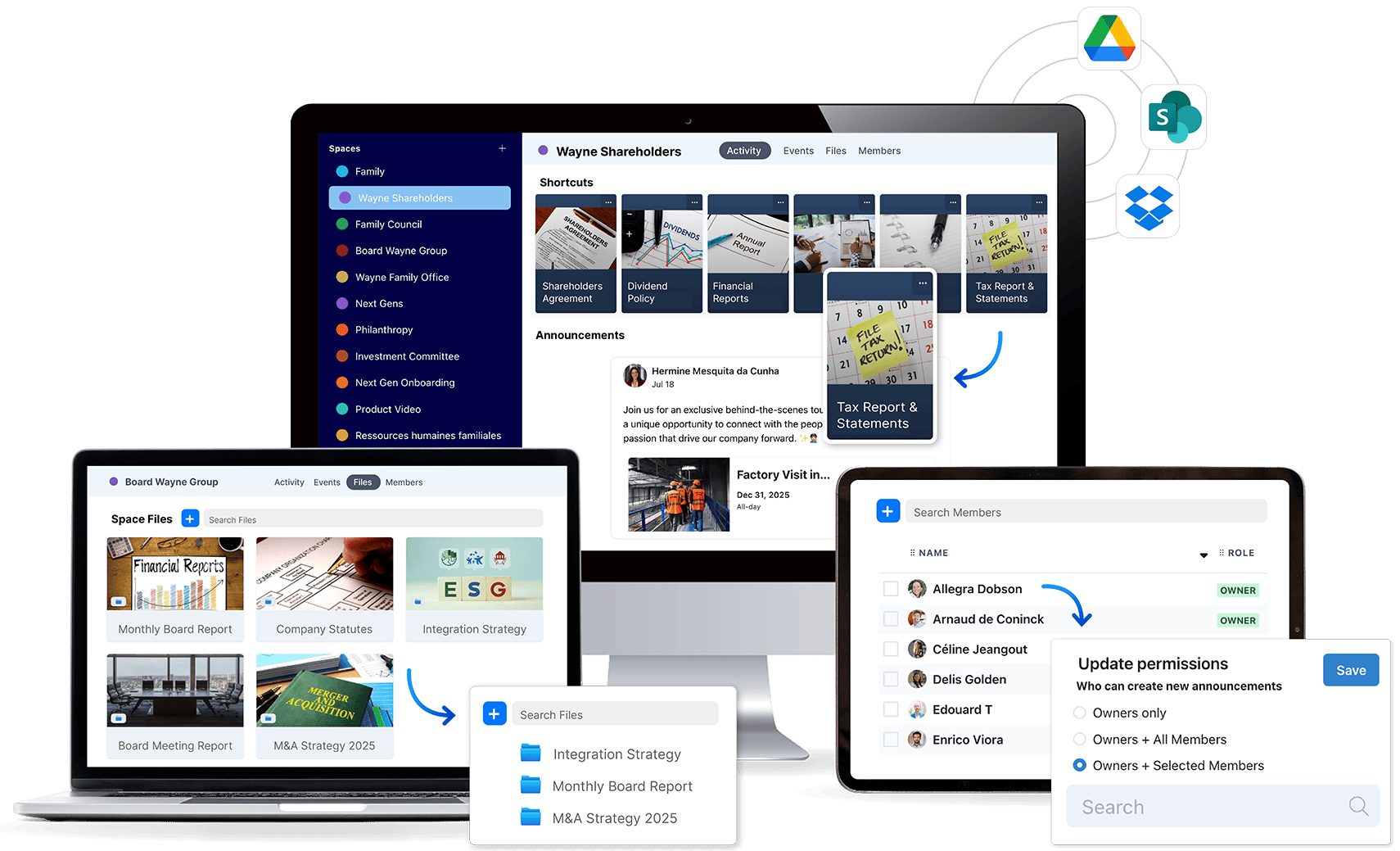
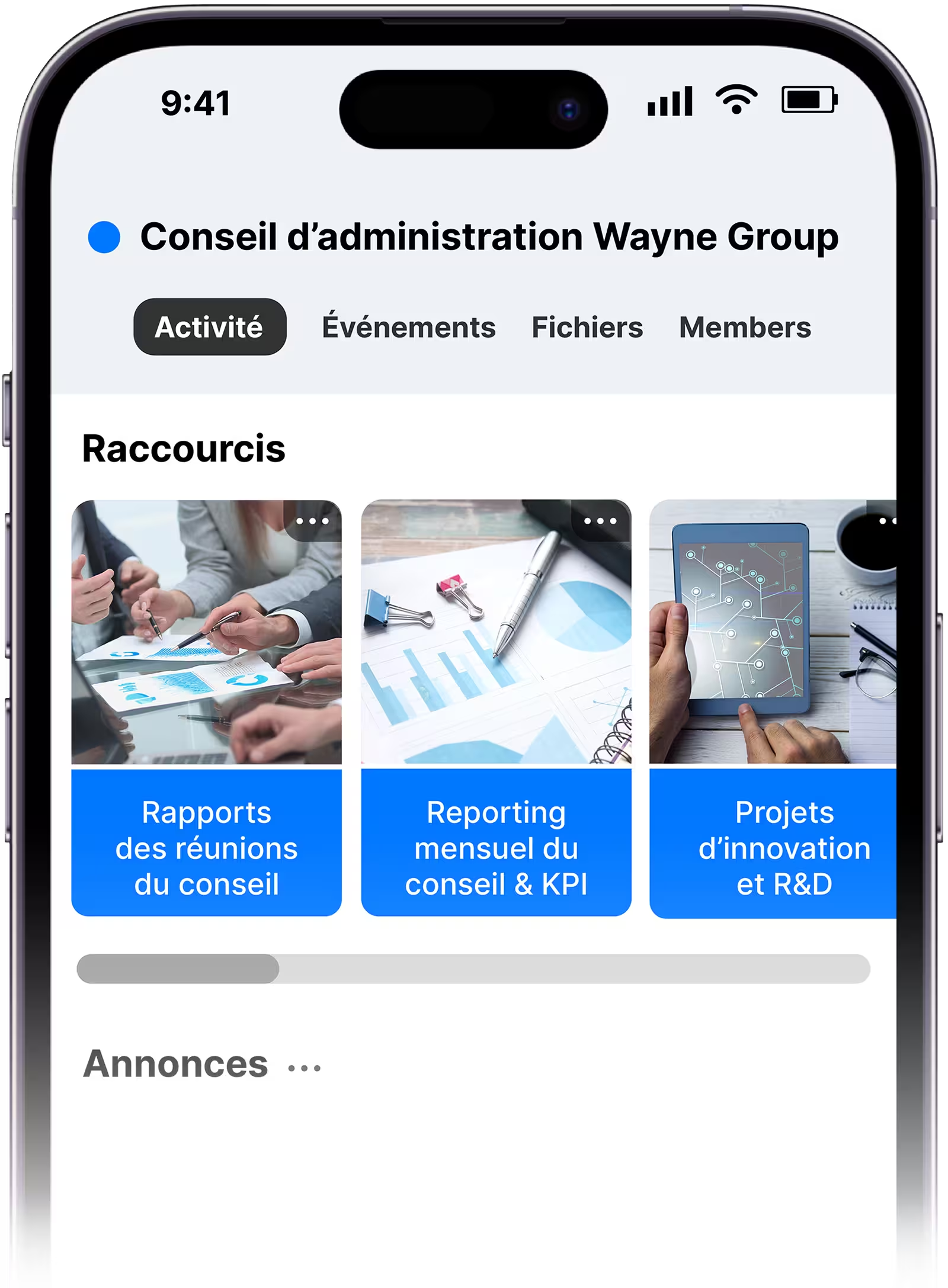
Create dedicated spaces for shareholders, leadership teams, and advisors so each group has a clear place to work, share documents, and store key decisions.
Centralize key business and family documents in one place, replacing scattered drives and inboxes with a clear structure everyone can rely on.
Capture and secure governance-grade data (shareholder ID, number of shares, legal address, passport number), then use it to automate access, streamline travel arrangements, and meet compliance requirements.
As family businesses grow, external advisors become essential. familyOS centralizes collaboration with advisors, tax consultants, and lawyers in a secure, permissioned environment.
Give each advisor a private workspace for deliverables, meeting notes, and final outputs.
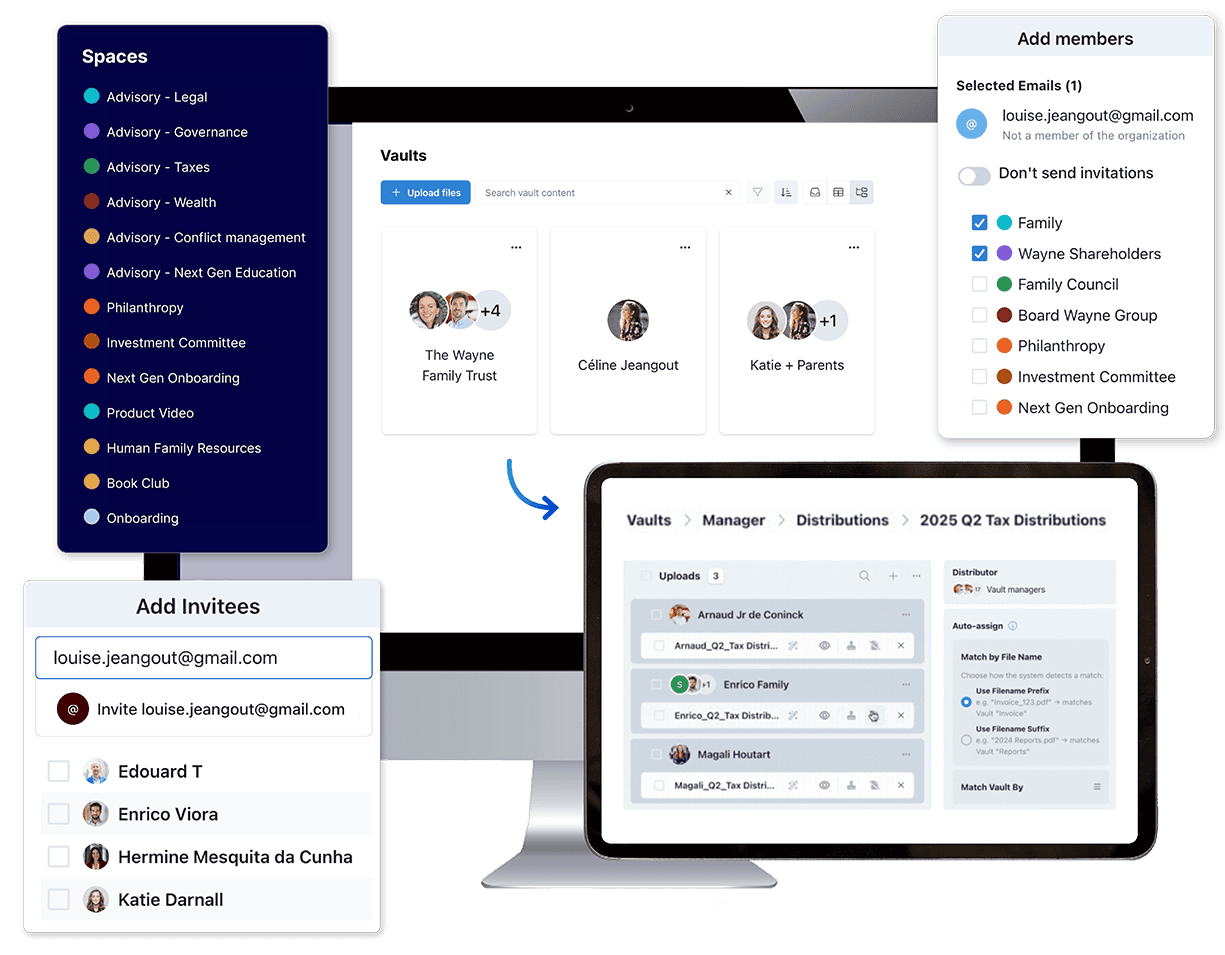
Store sensitive documents, such as financial statements or succession plans securely in encrypted vaults, or distribute them to the right stakeholders.
Limit advisor access to specific spaces or meetings so they see only what’s relevant.
Invite advisors to individual meetings with temporary access, without long-term exposure.
Run meetings, assign work, and track progress in one place. familyOS replaces scattered tools with a single source of truth, turning decisions into action so responsibilities are clear and decisions turn into action.
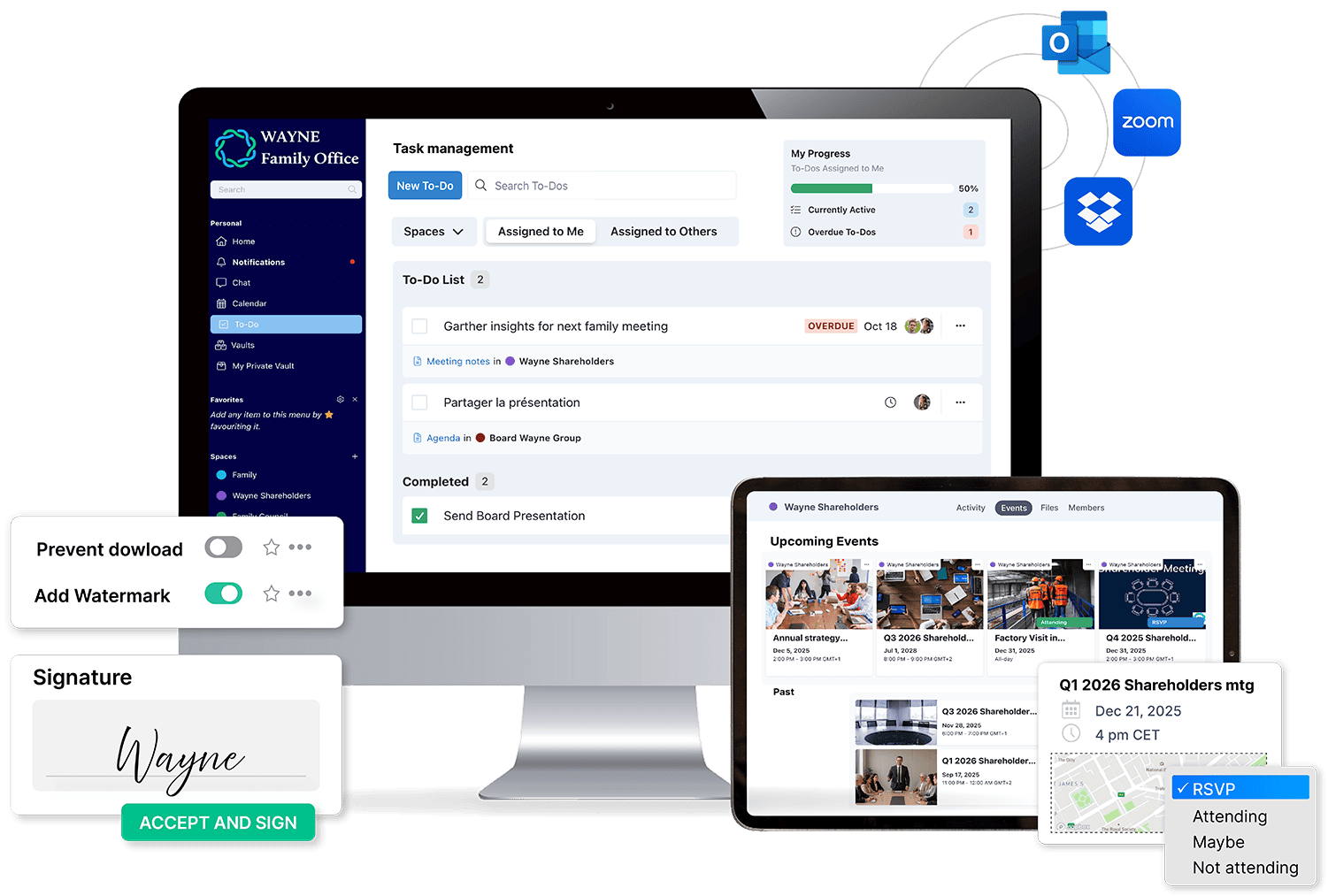
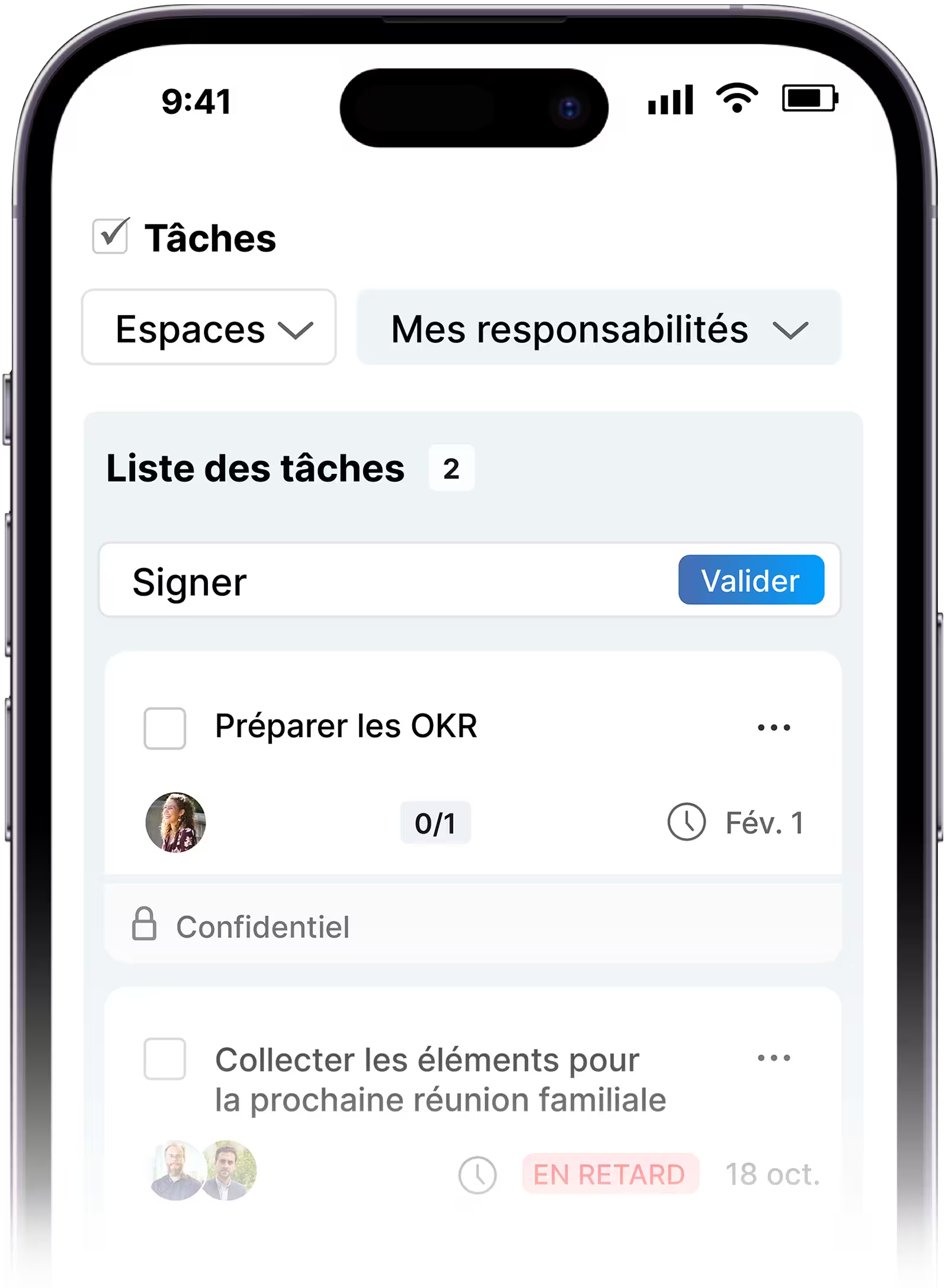
Assign and track tasks across the family business and advisors directly from meetings or the To-Dos tab.
Prepare meetings, manage RSVPs, and document outcomes so meetings move the business forward.
Sync with SharePoint, Zoom, Calendar, Dropbox, Google Drive, and OneDrive, so information stays aligned.
Protect sensitive information with 2-factor authentication, granular permissions, audit logs, download controls and eSignatures.
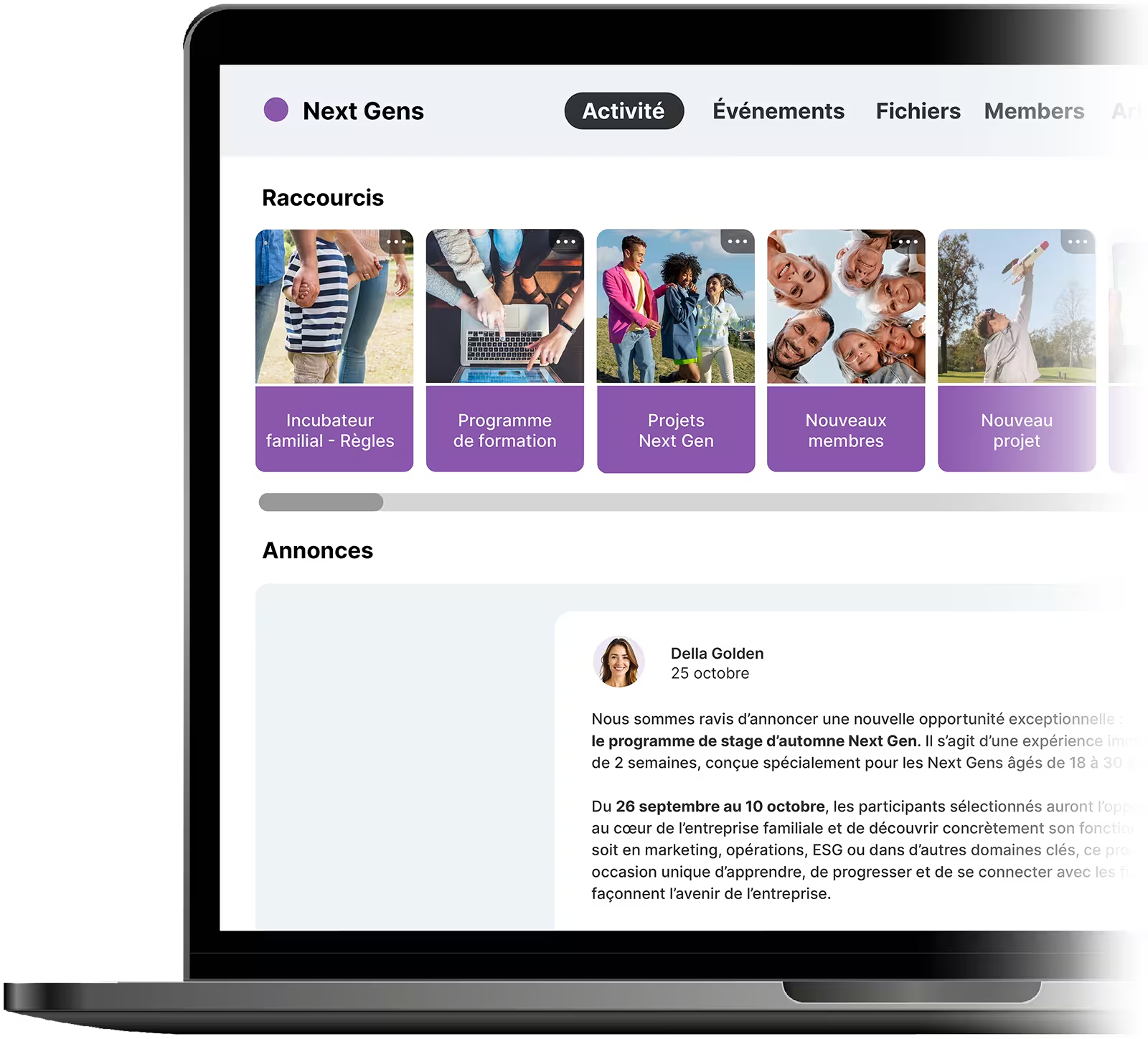
Create a dedicated Next Gen space to structure learning, track progress, offer peer mentorship, and build readiness over time.
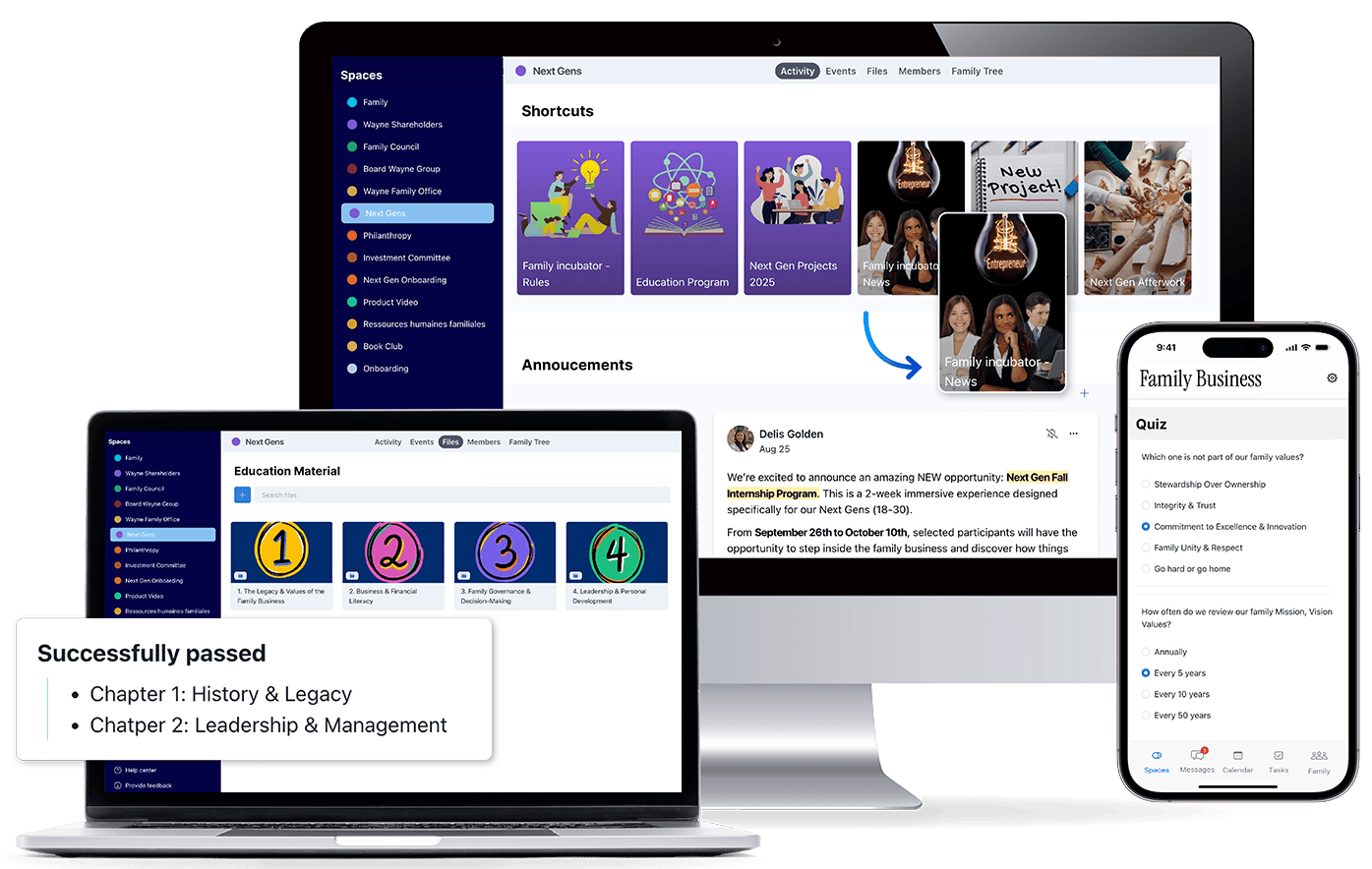
Centralize curricula, content, assignments, and certification pathways in one dedicated learning space.
Assess readiness, gather feedback, or quiz Next Gens on recent learnings.
Preserve stories, milestones, and institutional memory for future leaders.
Connect your Next Gen to the Trusted Family community, or access it yourself to learn from other families' experiences and best practices.
Track skills, courses, and certifications on member profiles to show readiness at a glance.
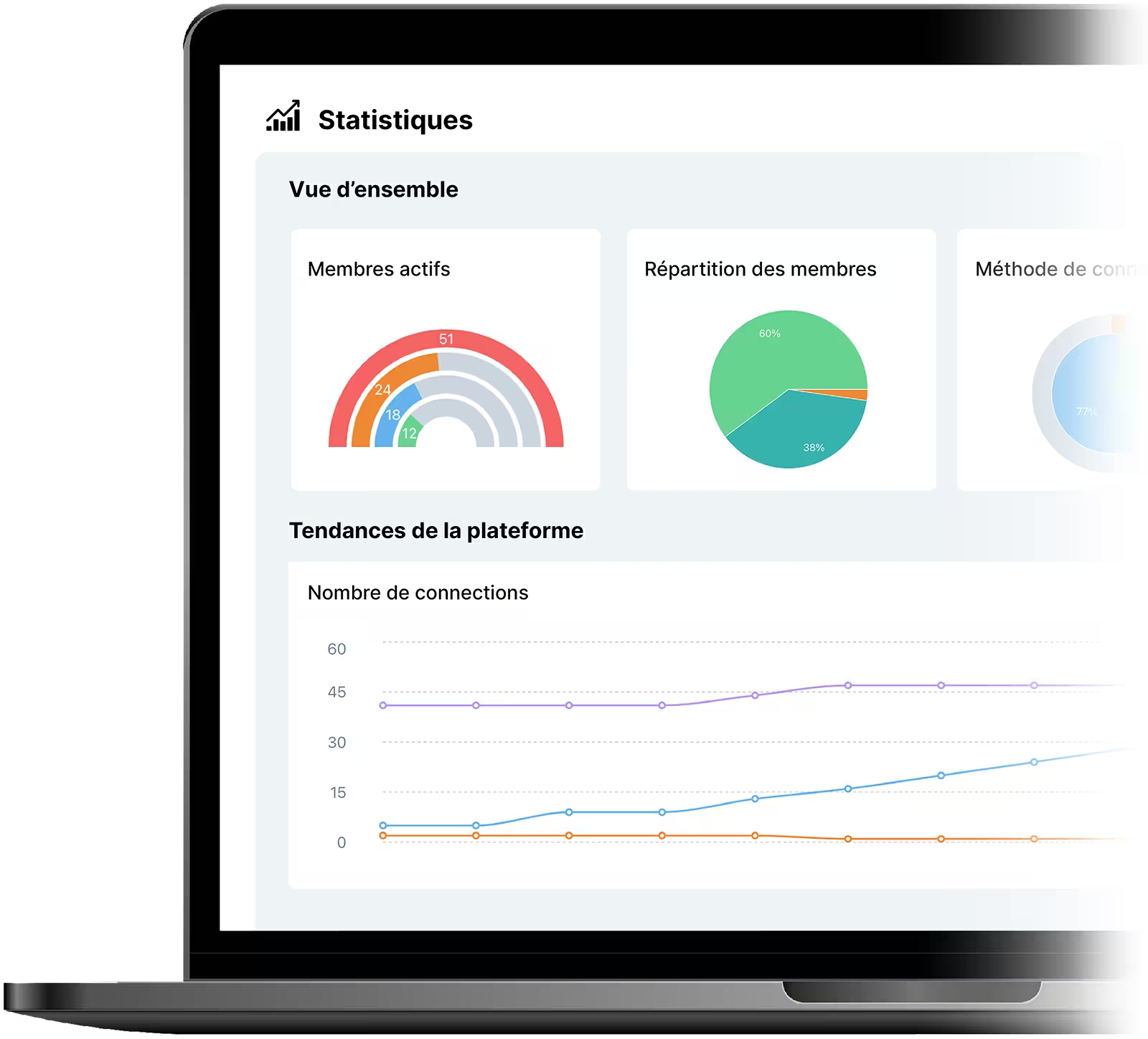
Sharing information isn’t enough. familyOS shows exactly who received, read, or downloaded each update so you can close gaps, target follow-ups, and keep everyone aligned.
See logins, uploads, and participation across the family and the business so engagement is clear at a glance.
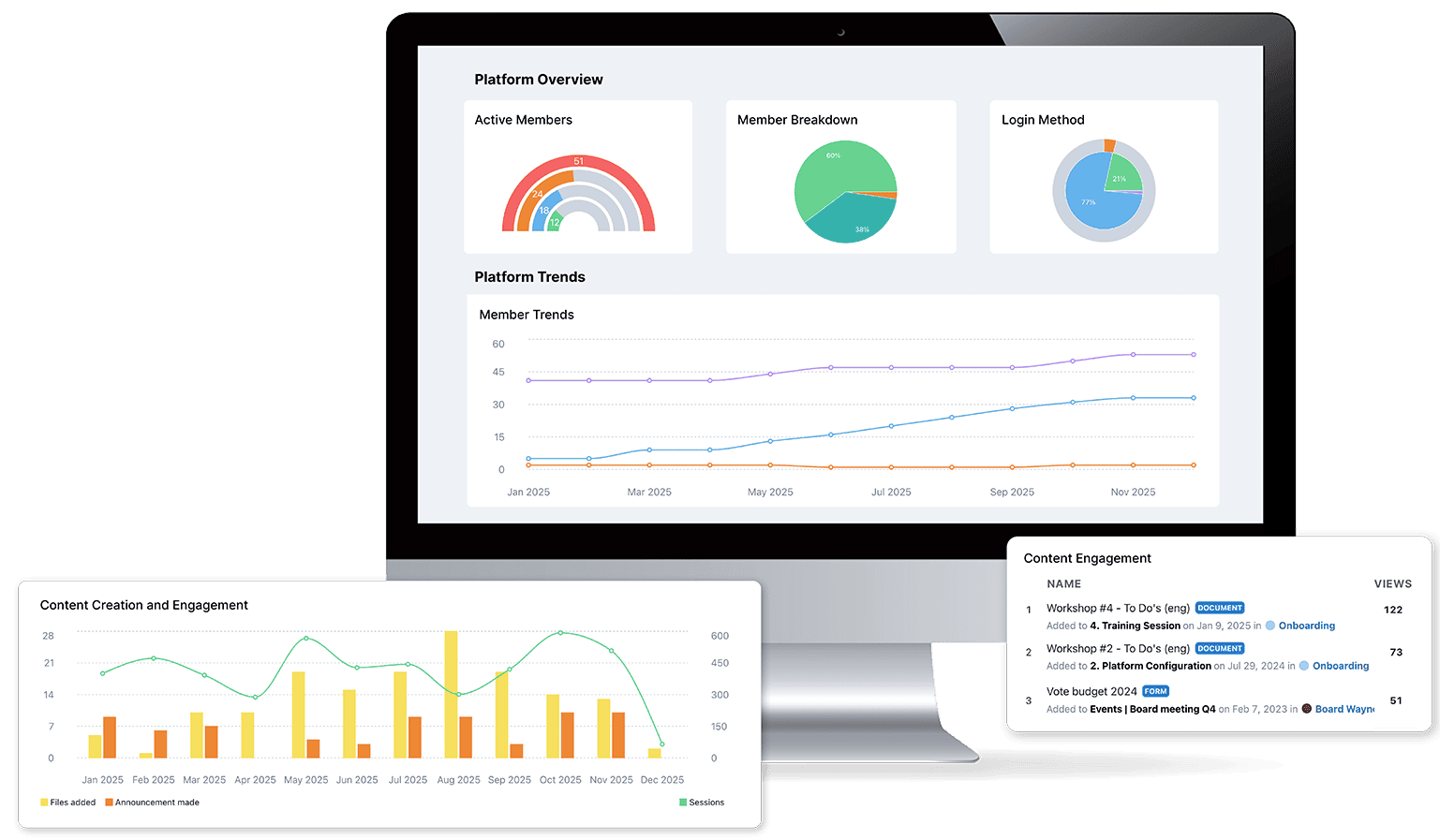
See exactly who has viewed or downloaded important updates, announcements, or documents, and follow up where needed.



Virus & malware screening
Encryption & master key
Two-factor authentication
Daily backups
AICPA - SOC2 - SOC3
GDPR compliance
Data Ownership
Encrypted storage
Empower your organization with customizable user permissions, ensuring secure access control and seamless collaboration. Advanced user rights let you tailor privileges to match roles, enhancing both productivity and governance.









.png)