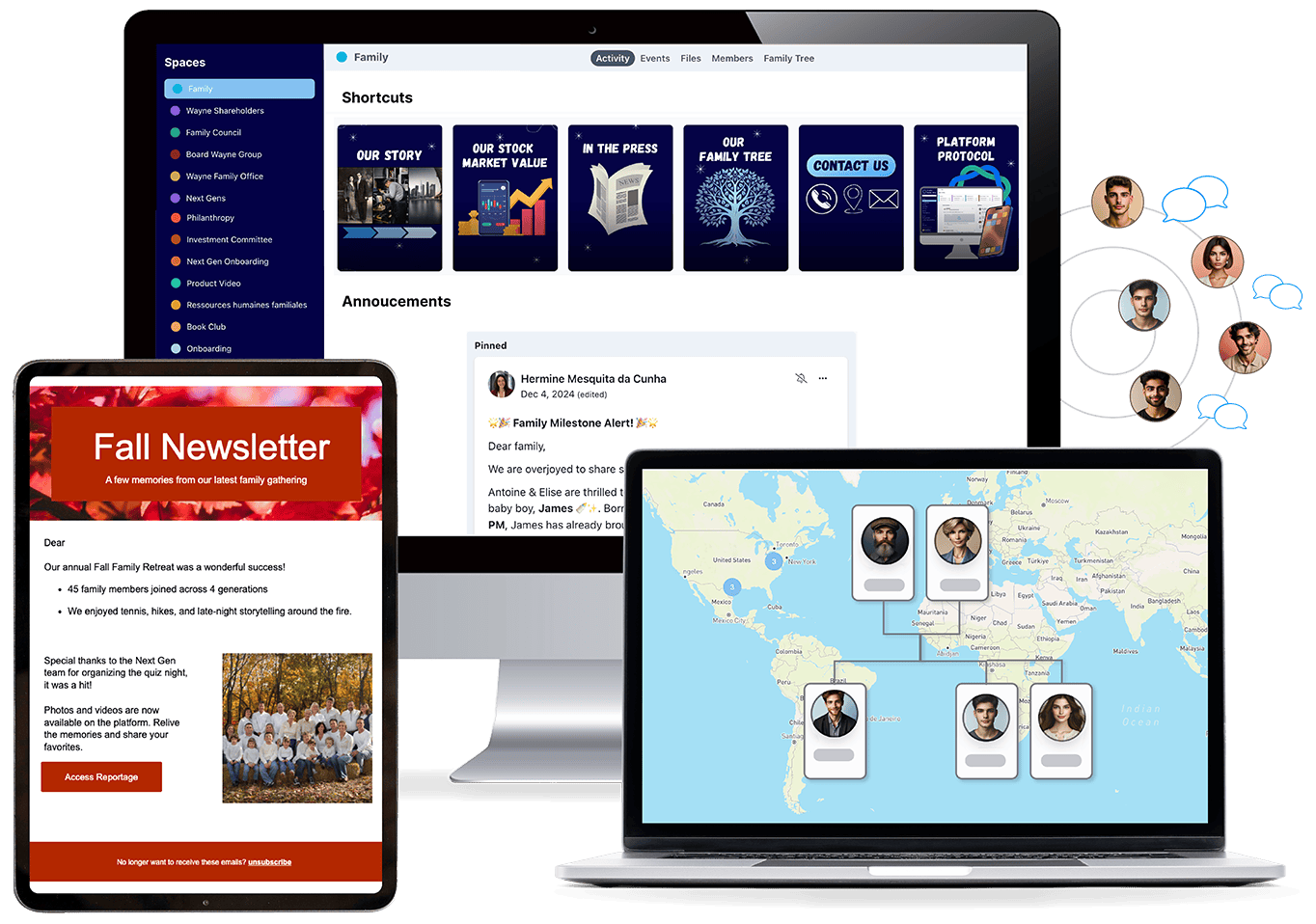
As families grow across generations and geographies, staying connected takes more than good intentions. FamilyOS provides a shared digital space to communicate, preserve family history, and ensure everyone stays informed, included, and connected to the bigger picture.

Maintain a structured, searchable member directory that makes it easy to identify, understand, and engage the right people. Filter by role, generation, or shareholding structure, and view members by table, map, or family tree.
Capture and share stories, photos, and videos, organize family gatherings, and keep the family connected and engaged over time.
Send targeted newsletters to the right family members with relevant business or family updates.
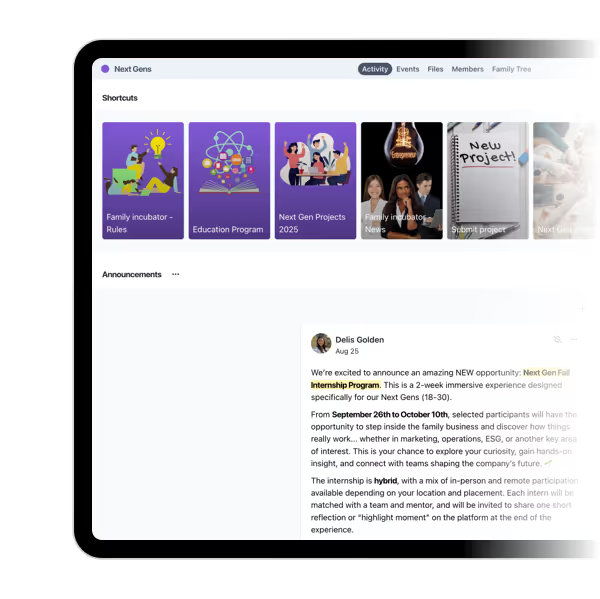
Share updates, announcements, and important information in a single, living newsfeed so everyone stays aligned without relying on emails or fragmented tools.
Engage in private or group conversations to support clear, direct, day-to-day communication.
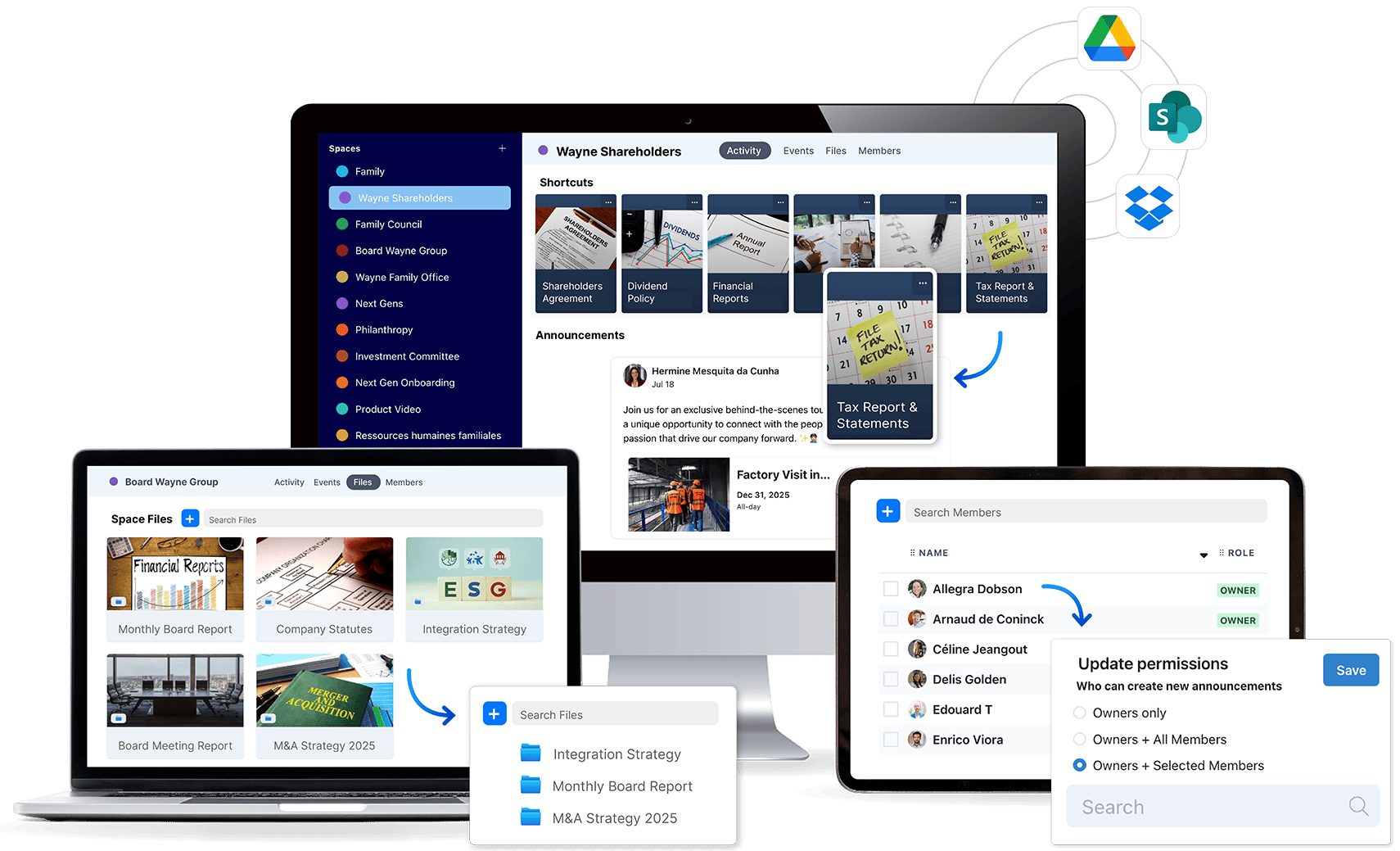
As family businesses expand across generations and structures, keeping information consistent becomes increasingly difficult. FamilyOS centralizes documents, discussions, and decisions in one secure place, with clear roles and permissions. This creates a reliable foundation so transparency is intentional and governance stays aligned as complexity grows.
Create dedicated spaces for the family council, board, shareholders, next generations, and advisors so each group has a clear place to work, meet, share documents, and record key decisions.

Replace scattered drives and inboxes with a single, secure, permission-based repository that ensures clarity, control, and full traceability.
Structure member information so you can instantly filter by shareholding, governance role, expertise, or family branch.
Find exactly what you need with platform-wide search across the files, events, announcements, and conversations you have access to.
Sync seamlessly with Dropbox, Google Drive, OneDrive, and SharePoint (soon).
Give each person the right level of visibility based on their role and responsibilities, ensuring controlled transparency without unnecessary exposure.
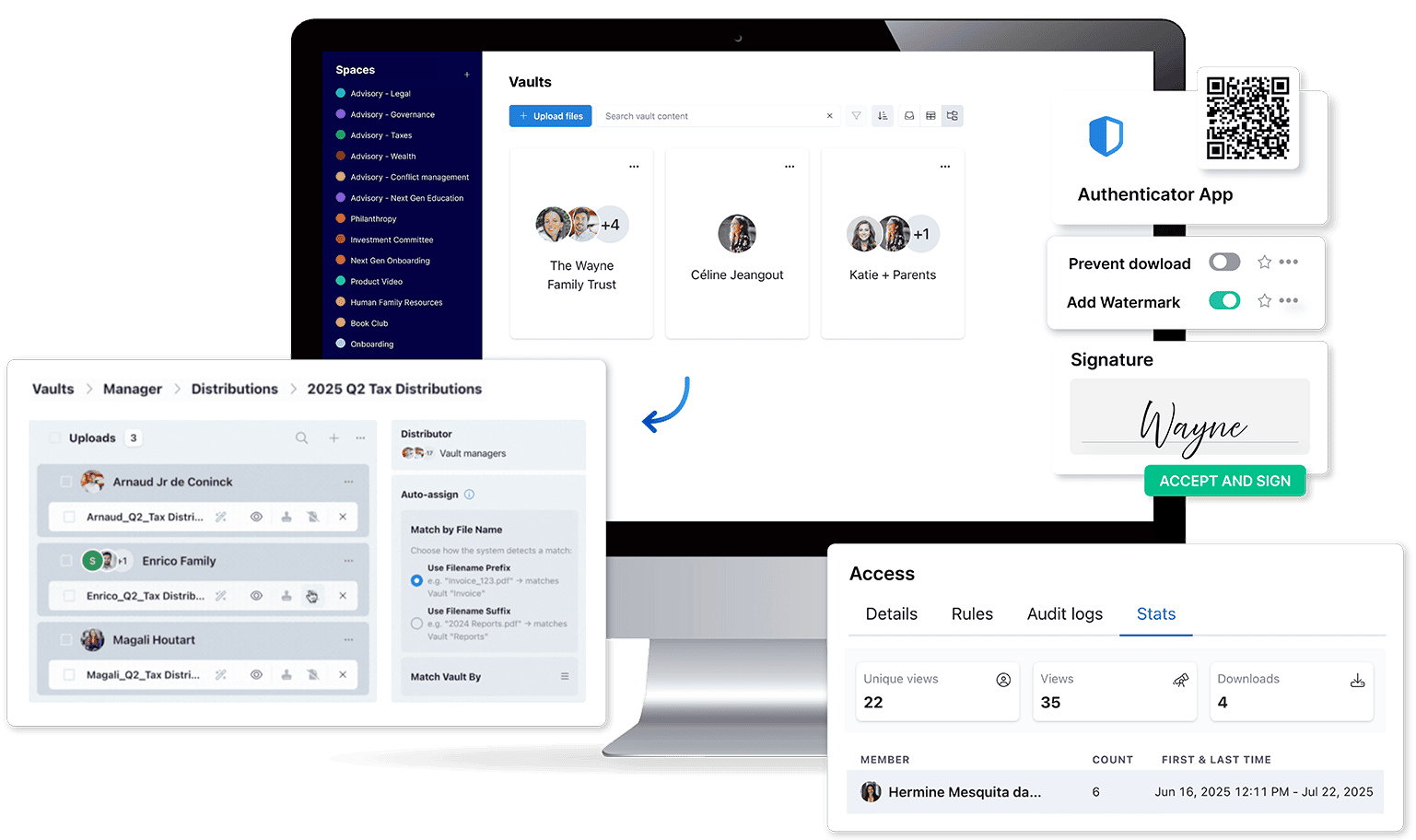
As family businesses handle sensitive information, sharing the right documents with the right people becomes critical. FamilyOS vaults provide a secure way to distribute confidential files with clear control over access, visibility, and follow-up.
Store and share sensitive documents such as dividend statements, K-1s, or trust-related files in a protected, access-controlled environment.
Distribute large volumes of sensitive documents, such as trusts or tax files, directly into secure vaults for the right recipients in just a few clicks.
Request and collect digital signatures on governance documents, minutes, contracts, or approvals without slowing down decision-making.

See exactly who accessed key documents, and who hasn’t, so follow-ups are targeted and accountability is clear.
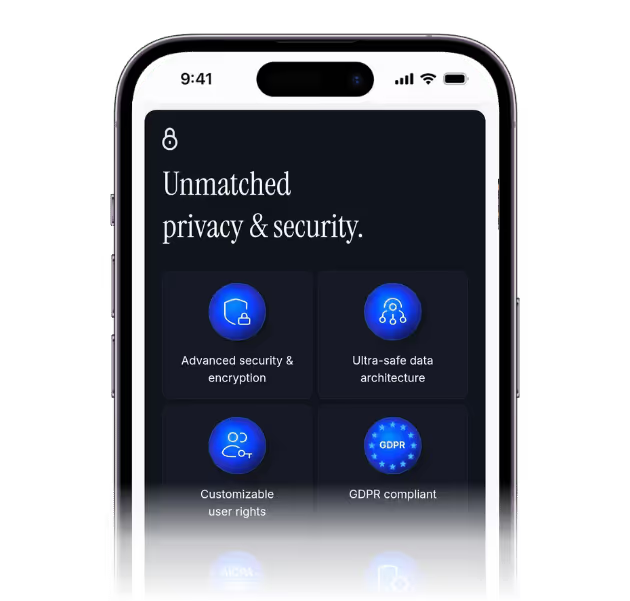
Protect sensitive information with two-factor authentication, granular permissions, watermarking, and download restrictions where needed.
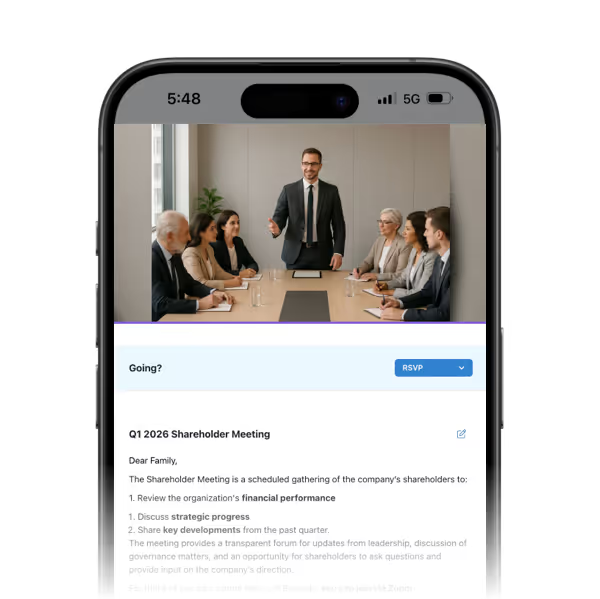
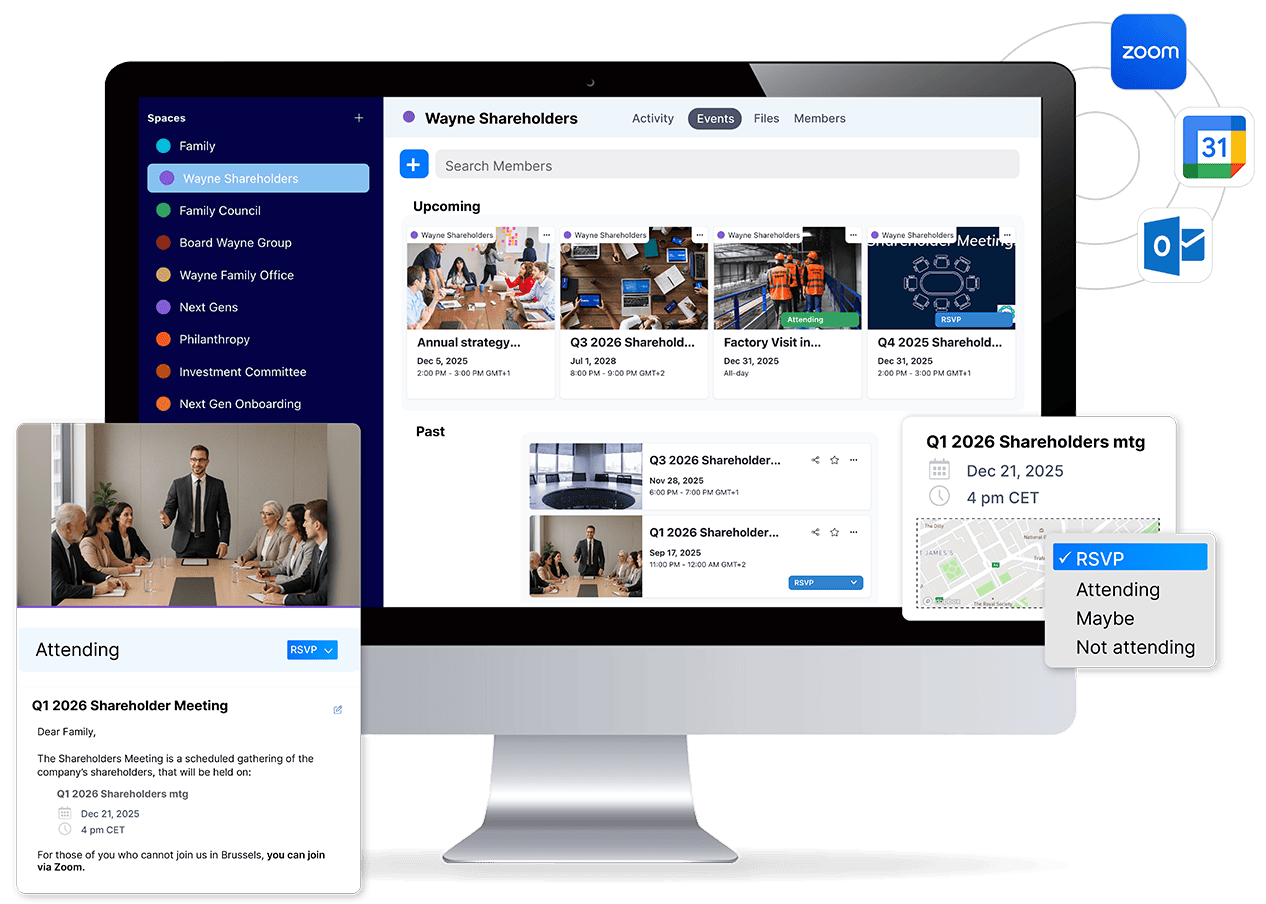
Plan events for boards, committees, and gatherings with agendas, pre-reads, minutes, and surveys in one place. Sync with Zoom and calendars, manage RSVPs and attendance, find the best date with availability polls, and invite external advisors with meeting-only access so every session feels prepared, secure, and decisive.

Plan general assemblies, board and committee meetings, as well as family gatherings. Centralize agendas, pre-reads, past minutes, and surveys so participants arrive informed and aligned.
Run availability polls, manage RSVPs, and collect required information from participants before confirmations are finalized.
Invite consultants or guest speakers with restricted, meeting-only access.
Sync meetings with Zoom, Google Calendar, and Outlook Calendar.
Track confirmations, send reminders, and record attendance, including offline responses or RSVPs handled by someone else.
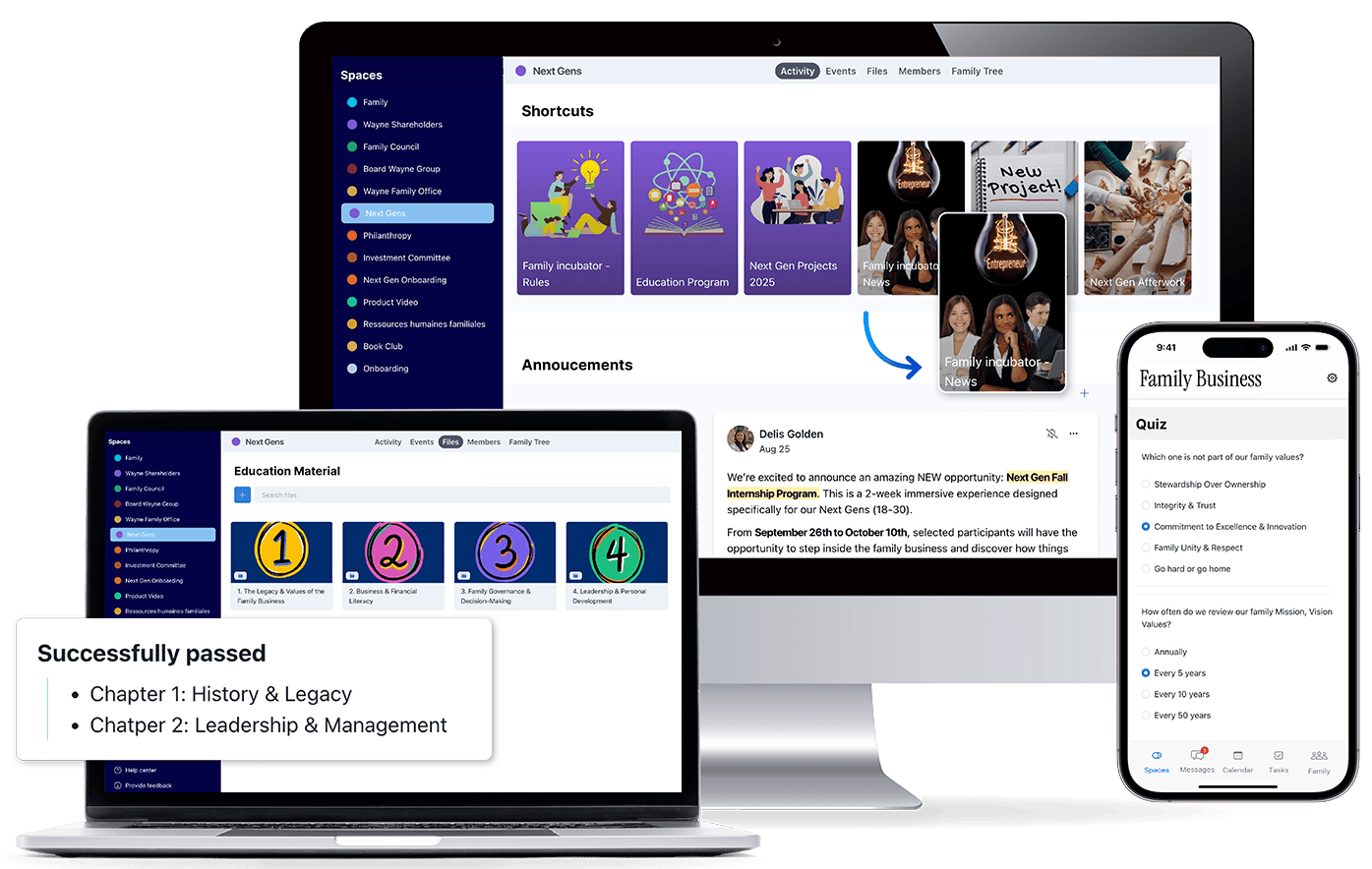
In multi-generation family businesses, preparing future leaders takes time and intention. FamilyOS provides a dedicated space to structure learning, track progress, and support engagement so next generations can gradually step in with confidence.

Create a dedicated learning space to centralize curricula, videos, assignments, and certification pathways for next generations.
Preserve stories, images, and key milestones so the family’s institutional memory remains accessible to future leaders.
Track skills, courses, and certifications on member profiles to assess readiness at a glance.
Gather opinions, readiness assessments, or votes from next generations, and assess understanding through short quizzes when needed.
Connect your Next Gen to the Trusted Family Community, or access it yourself to learn from other families' experiences and best practices.
Sharing information isn’t enough. familyOS shows exactly who received, read, or downloaded each update so you can spot information gaps early, target follow-ups, and keep everyone aligned.

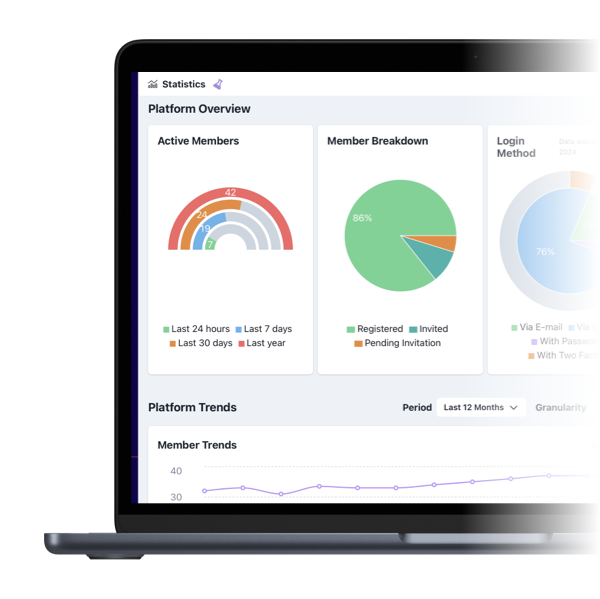
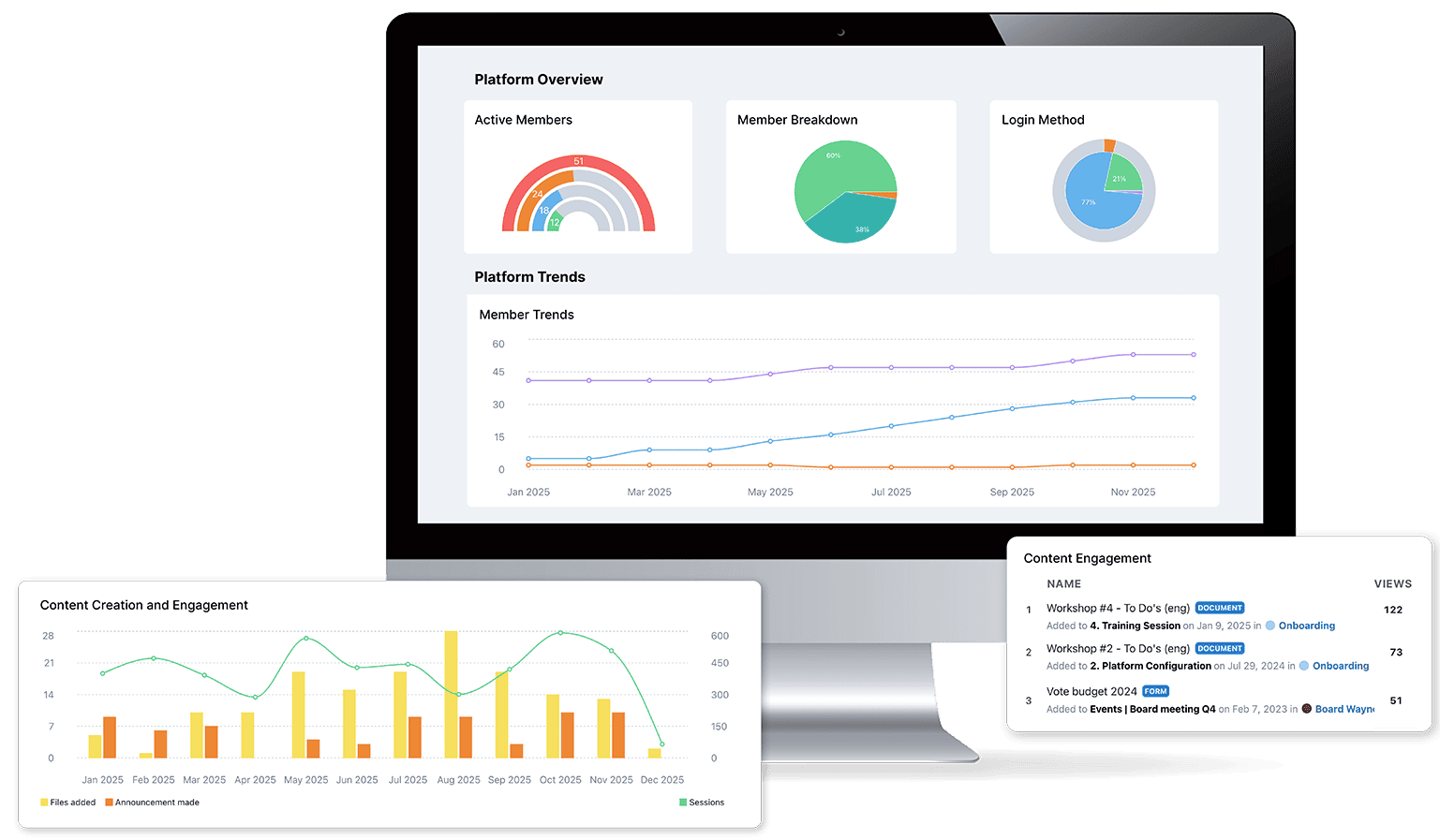
Monitor logins, uploads, participation, and engagement across the family and the business. No more guessing whether information landed.
See exactly who has viewed or downloaded updates, read announcements, or opened documents. Measure adoption and identify where follow-up is needed.


Analyse antivirus et antimalware
Chiffrement avec clé maîtresse
Authentification à deux facteurs
Sauvegardes quotidiennes
Conformité aux normes AICPA - SOC2 - SOC3
Conformité au RGPD
Propriété des données
Stockage chiffré
Offrez des permissions personnalisables pour un contrôle d’accès sécurisé et une collaboration fluide. Adaptez les droits selon les rôles pour renforcer la productivité et la gouvernance de votre organisation.